

Relevance MCP gains run-only mode and Chat role support
New Features
Relevance MCP gains run-only mode and Chat role support
Two new access controls have been added to Relevance MCP, available to all users.In run-only mode, users generate MCP credentials that restrict the connected client to listing and executing agents only — the create, publish, and edit agent endpoints are blocked for that token. For Chat role support, users assigned the Chat role — previously unable to authenticate with MCP — can now connect and invoke any agent shared with them via the standard agent-sharing flow. The two controls are independent: a Chat-role user can authenticate with a run-only token, applying both restrictions simultaneously. Existing MCP credentials and full-access tokens are unaffected by these additions.Example: A team member with the Chat role connects their MCP client using a run-only token. They can list and invoke the “Summarise support ticket” agent shared with them, but cannot modify it, publish it, or create new agents.Select the Run only permission level when generating MCP credentials in your Relevance AI settings. Chat-role users follow the same MCP authentication flow. See the MCP documentation for full setup instructions.Concurrency visibility for project and organization admins
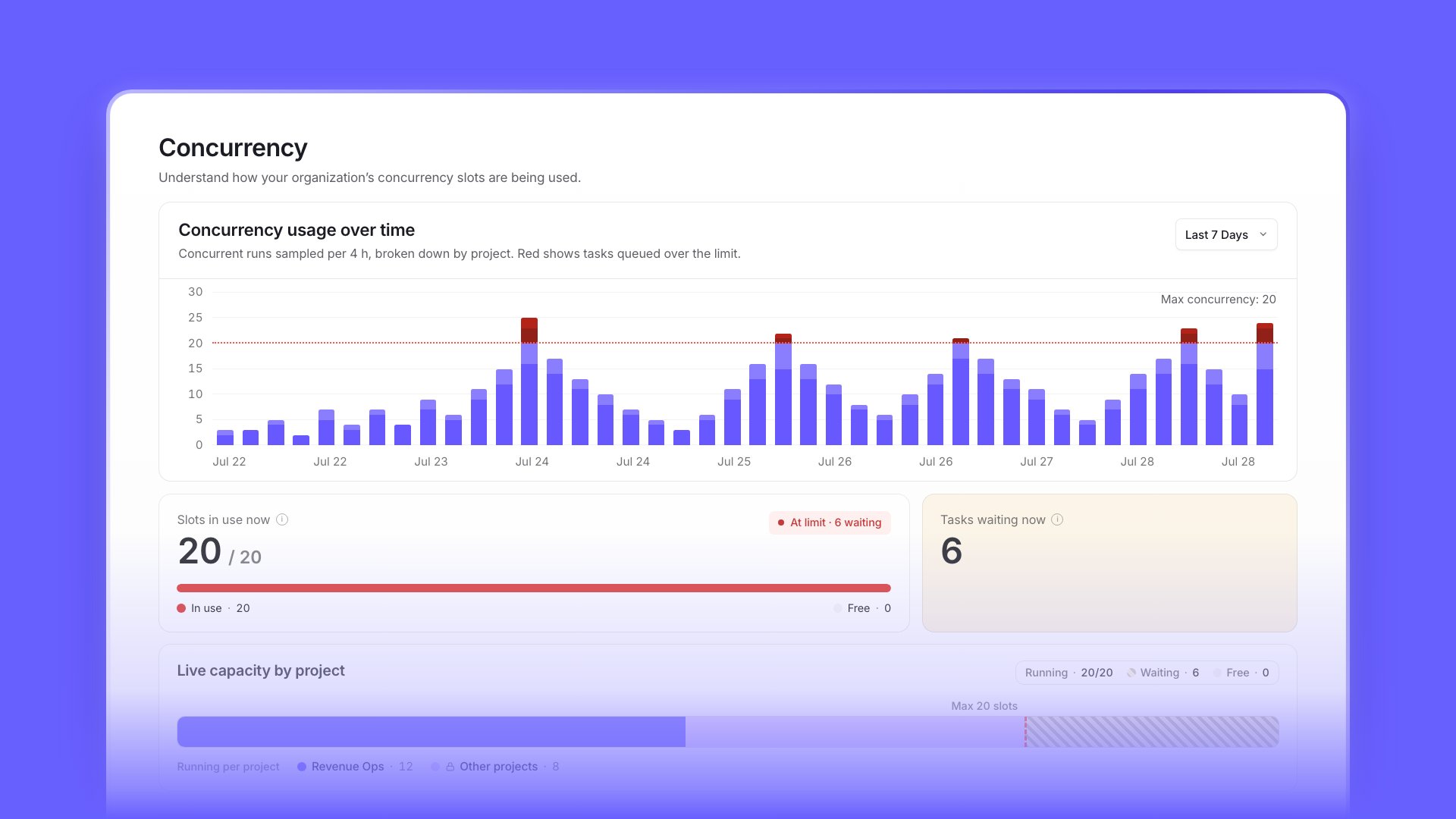
Concurrency visibility for project and organization admins
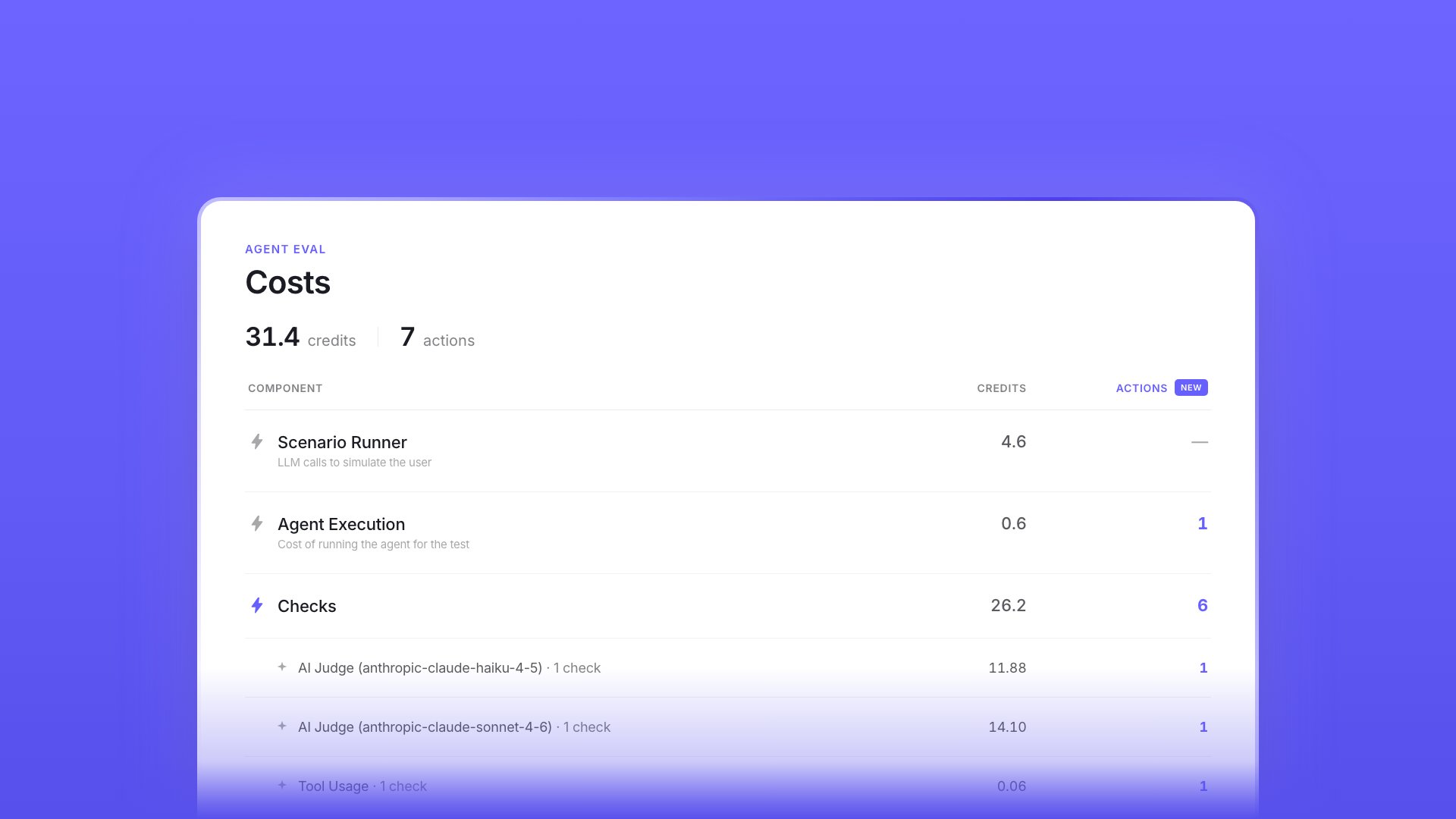
Eval cost breakdowns and Workforce evaluations
Eval cost breakdowns and Workforce evaluations
Gemini 3.5 Flash now available
Gemini 3.5 Flash now available
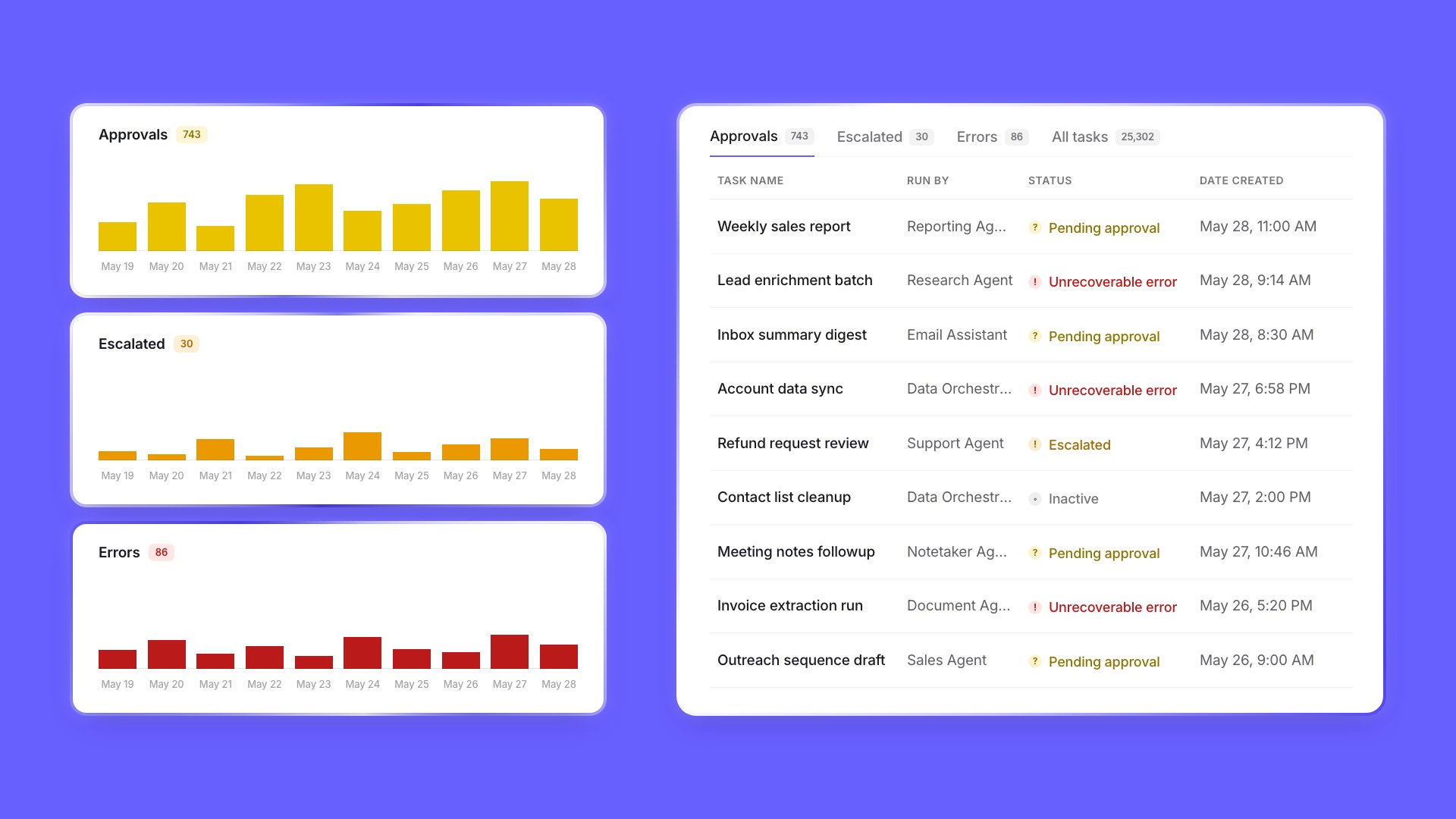
Timeline view added to Tasks page
Timeline view added to Tasks page
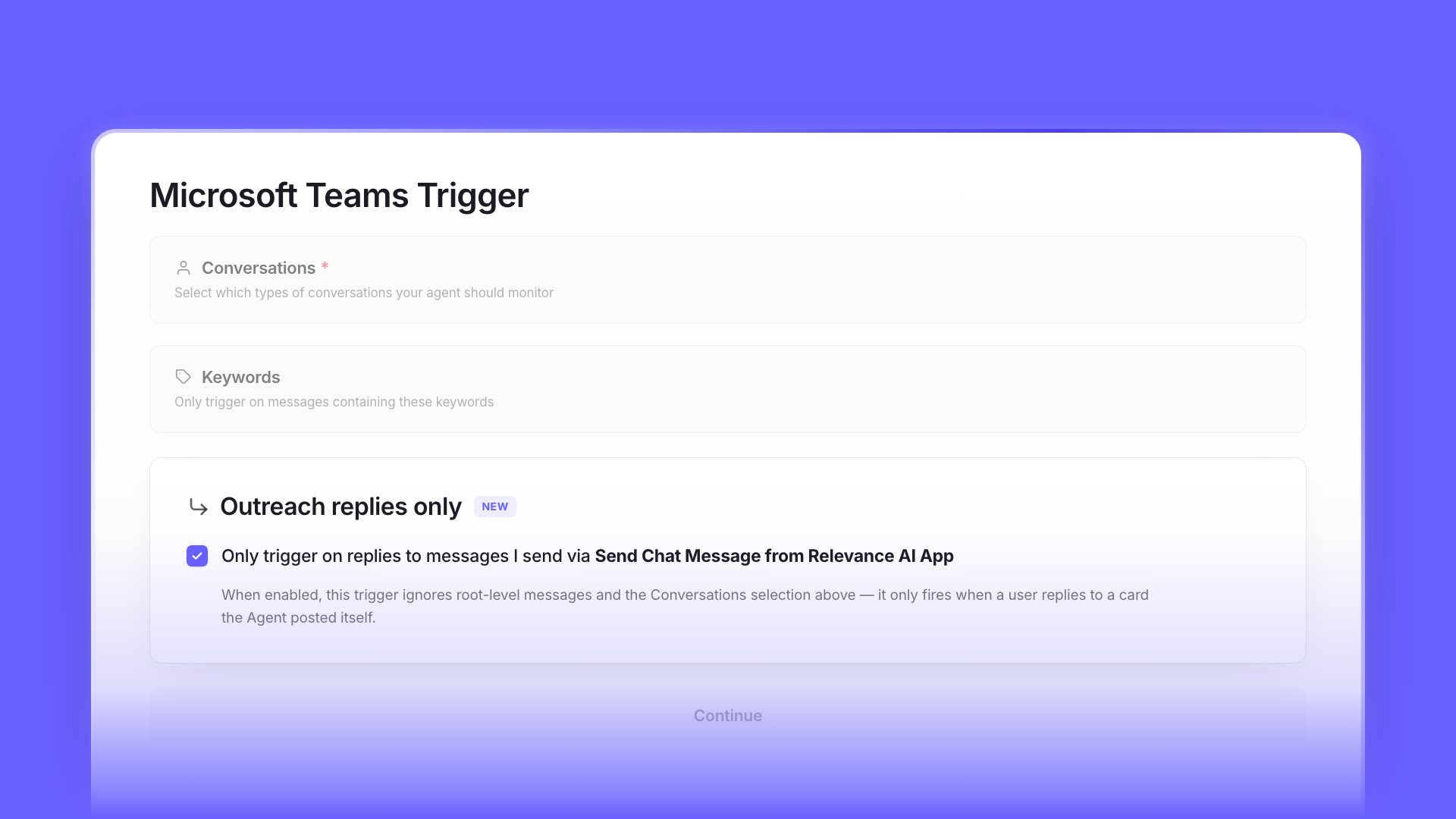
Outreach-only reply mode for Microsoft Teams agents
Outreach-only reply mode for Microsoft Teams agents
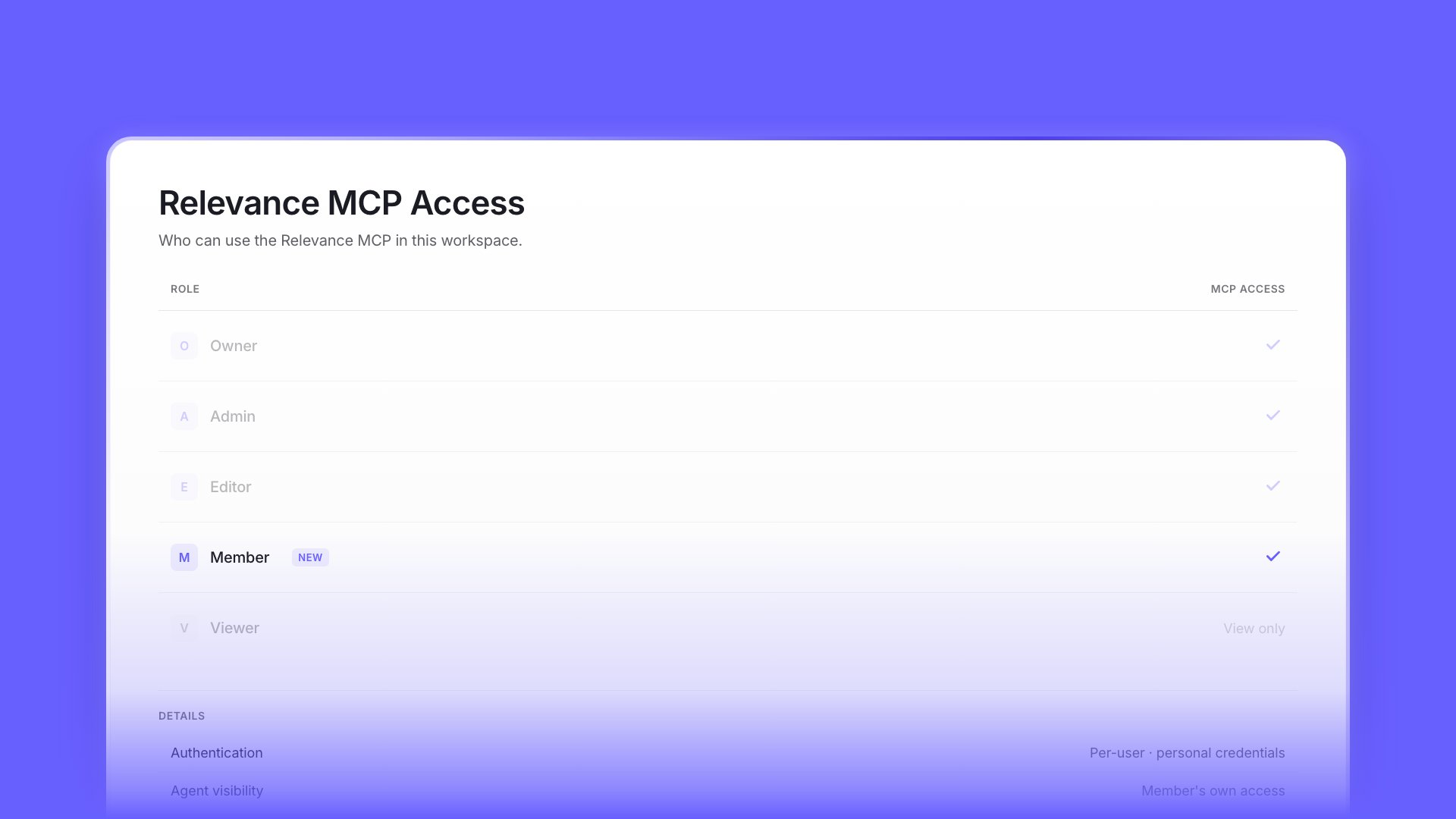
MCP access for the Member role
MCP access for the Member role
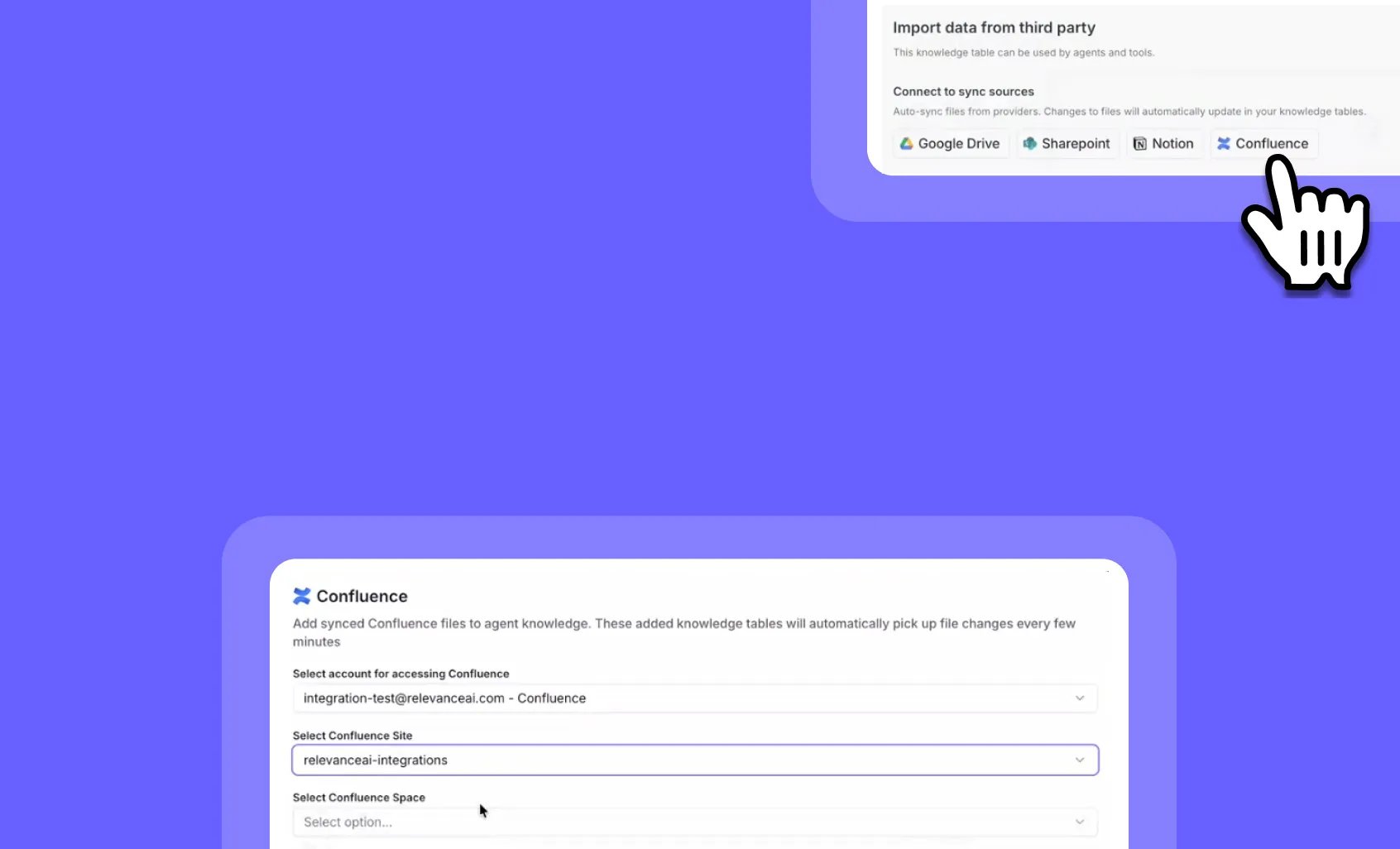
Confluence Knowledge Sync: Keep your AI agents updated with real-time documentation
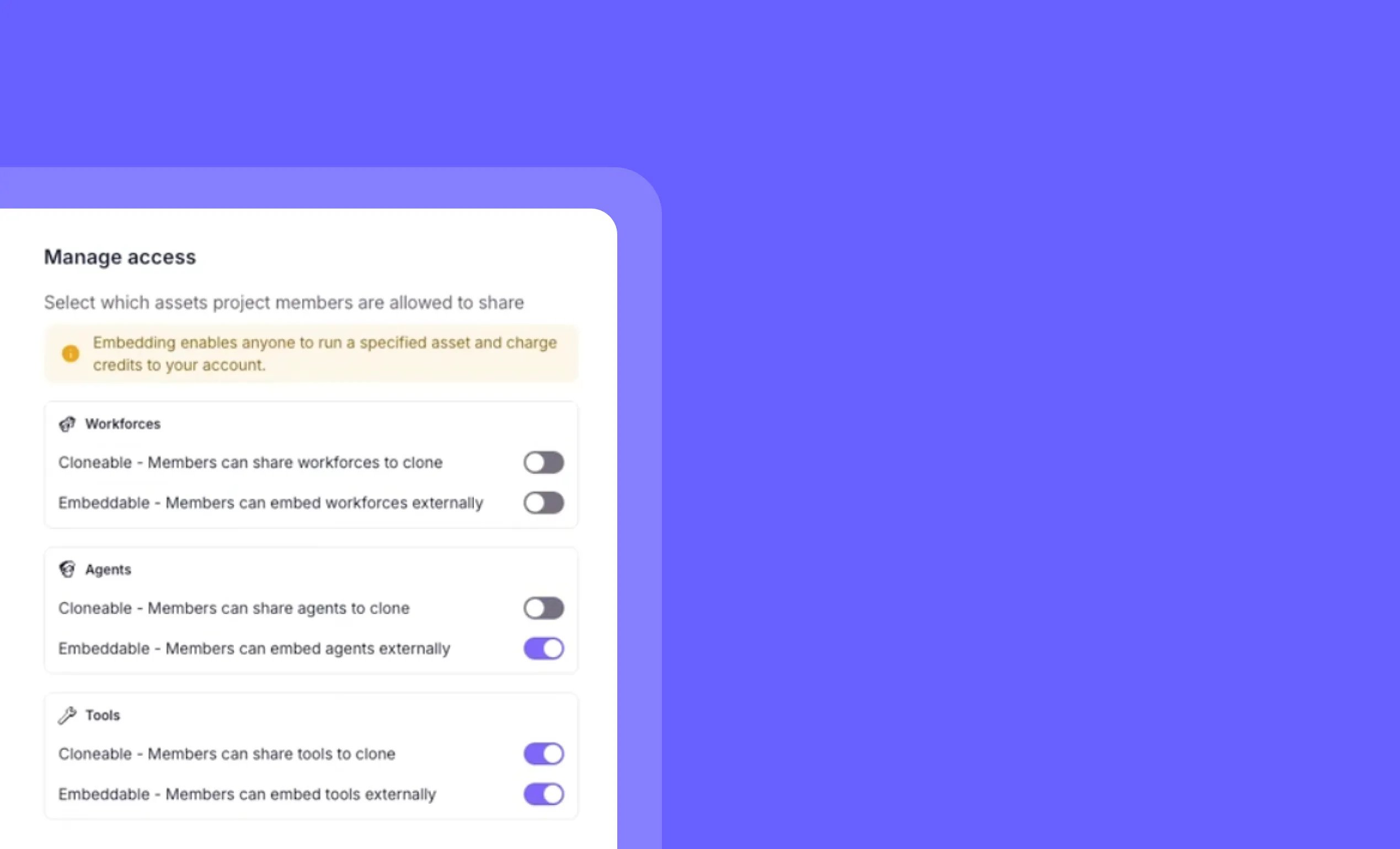
Project-level public agent controls: Centralize security settings across your workspace
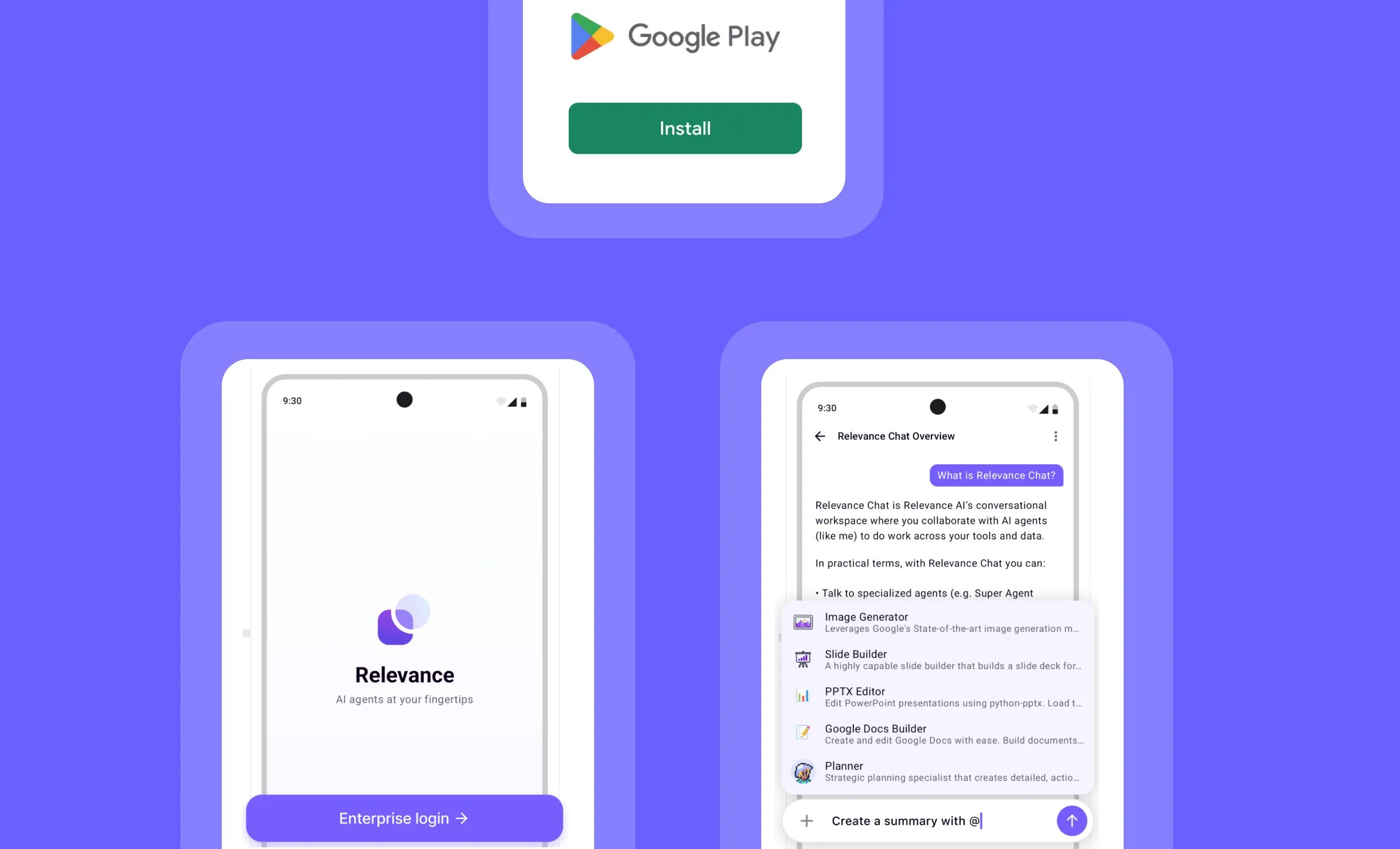
Relevance AI Android App: Access your AI workforce anywhere
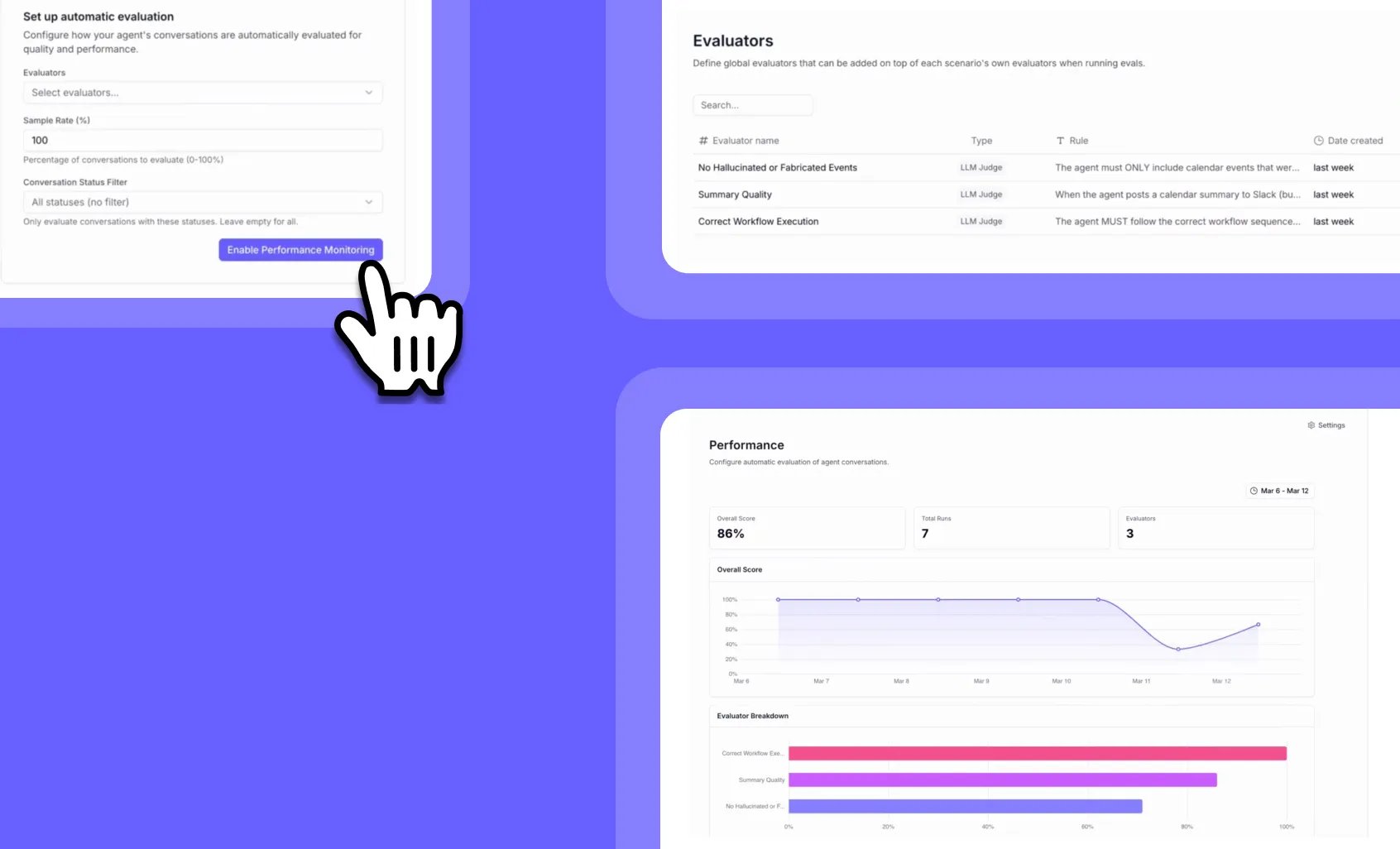
Agent Performance Observability: Monitor your AI agents in production like a pro
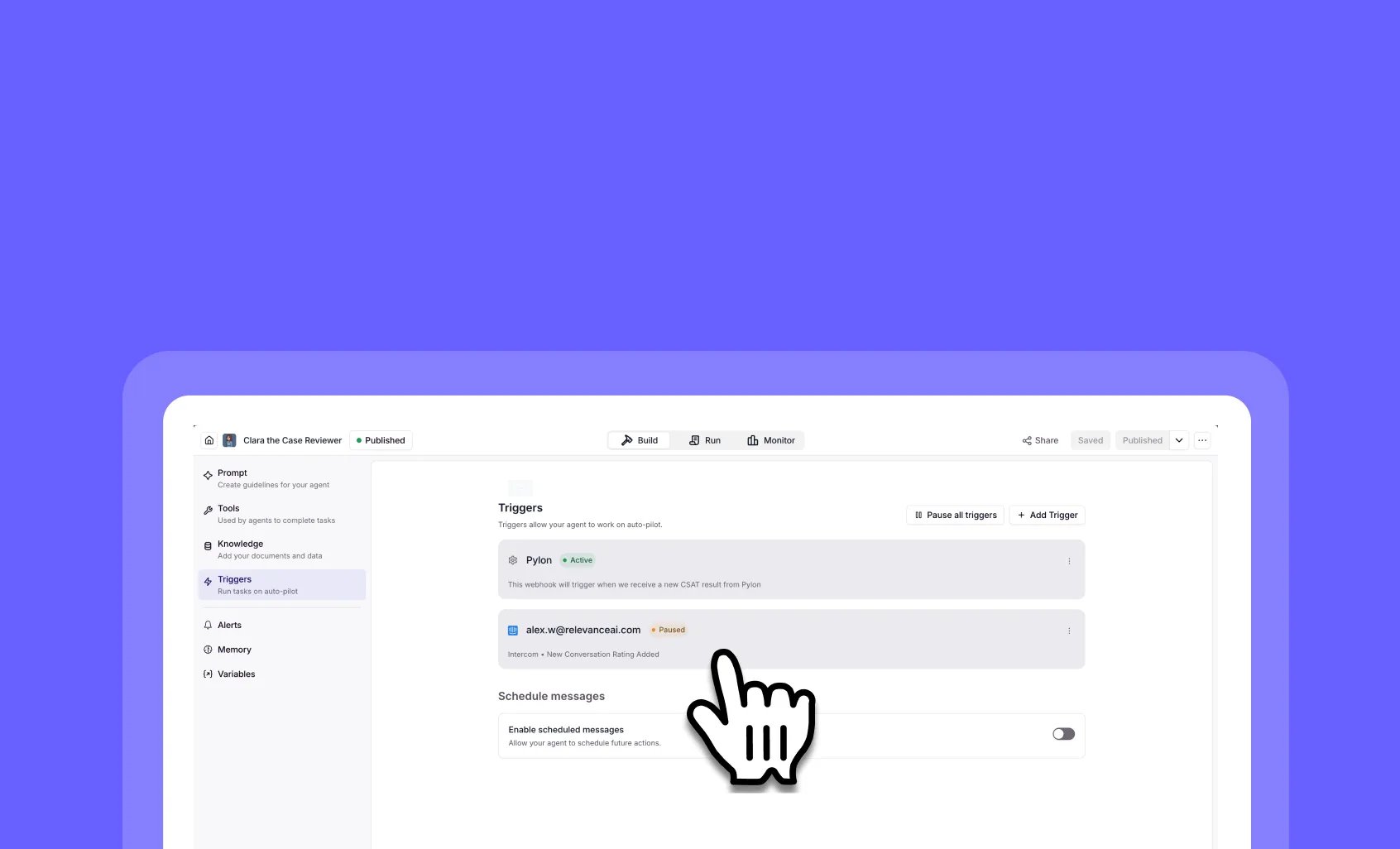
Pause, cancel, and resume agent triggers in real time
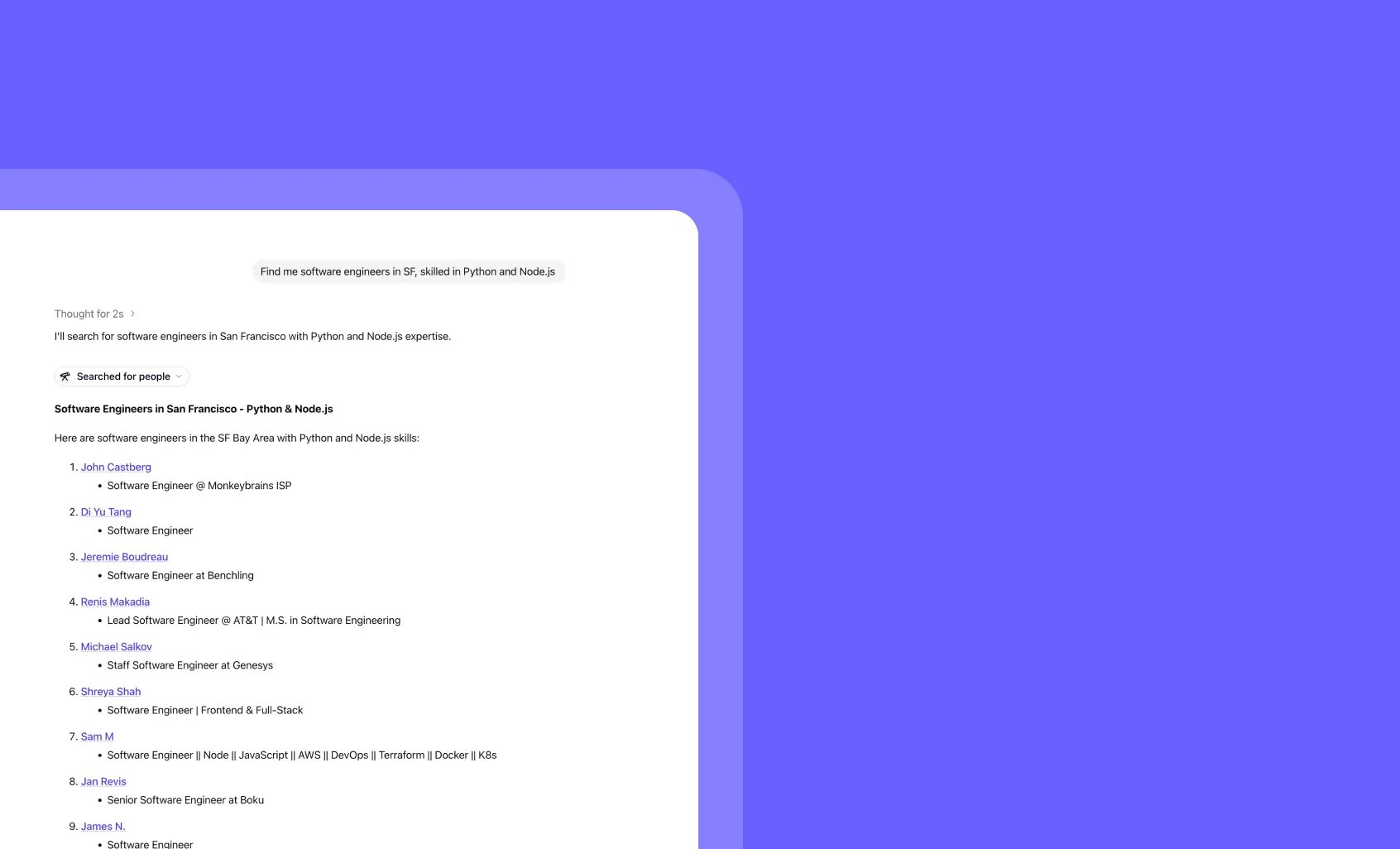
Search for people with Chat's built-in people search engine
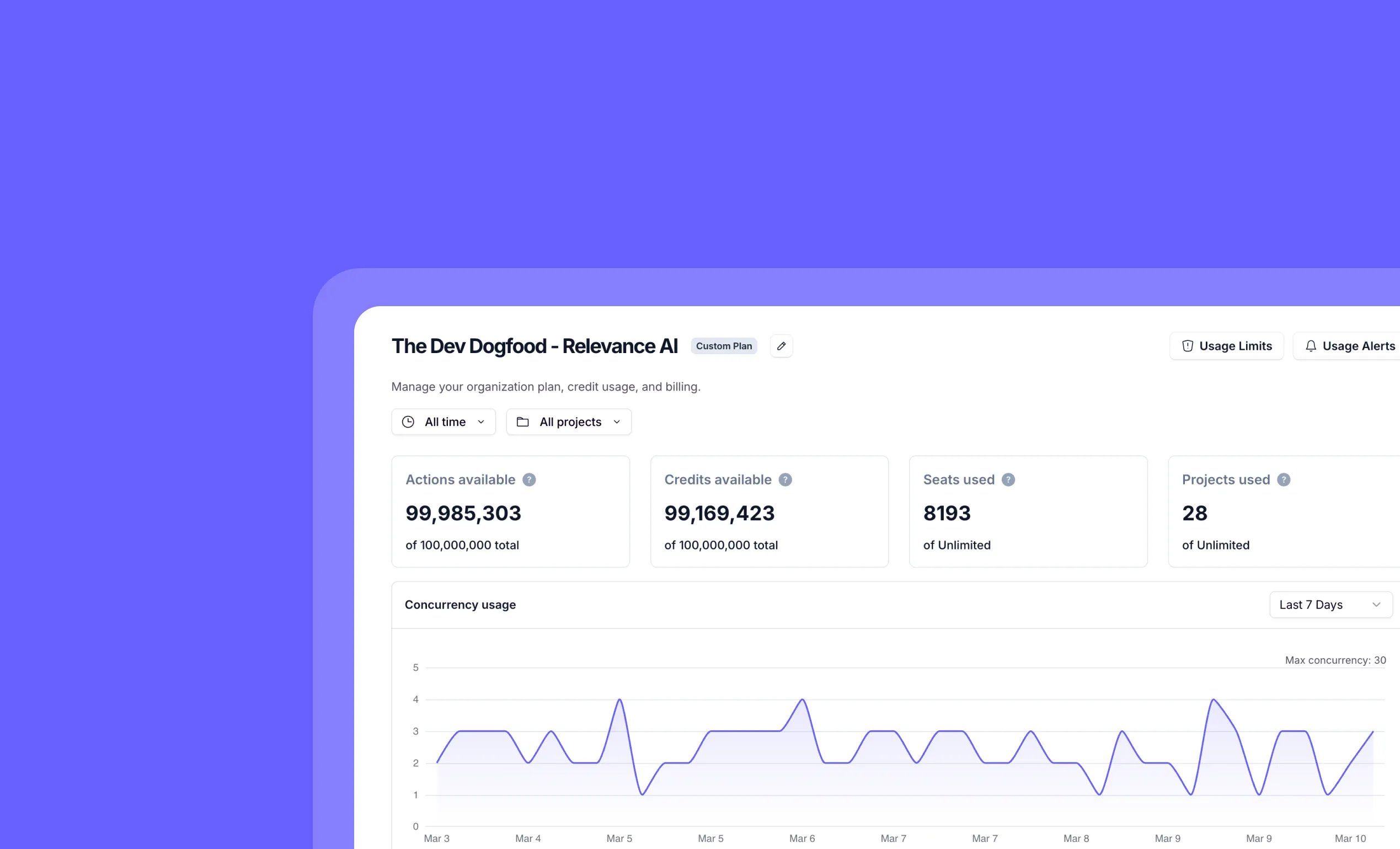
Monitor organization concurrency usage with detailed analytics and timeseries data
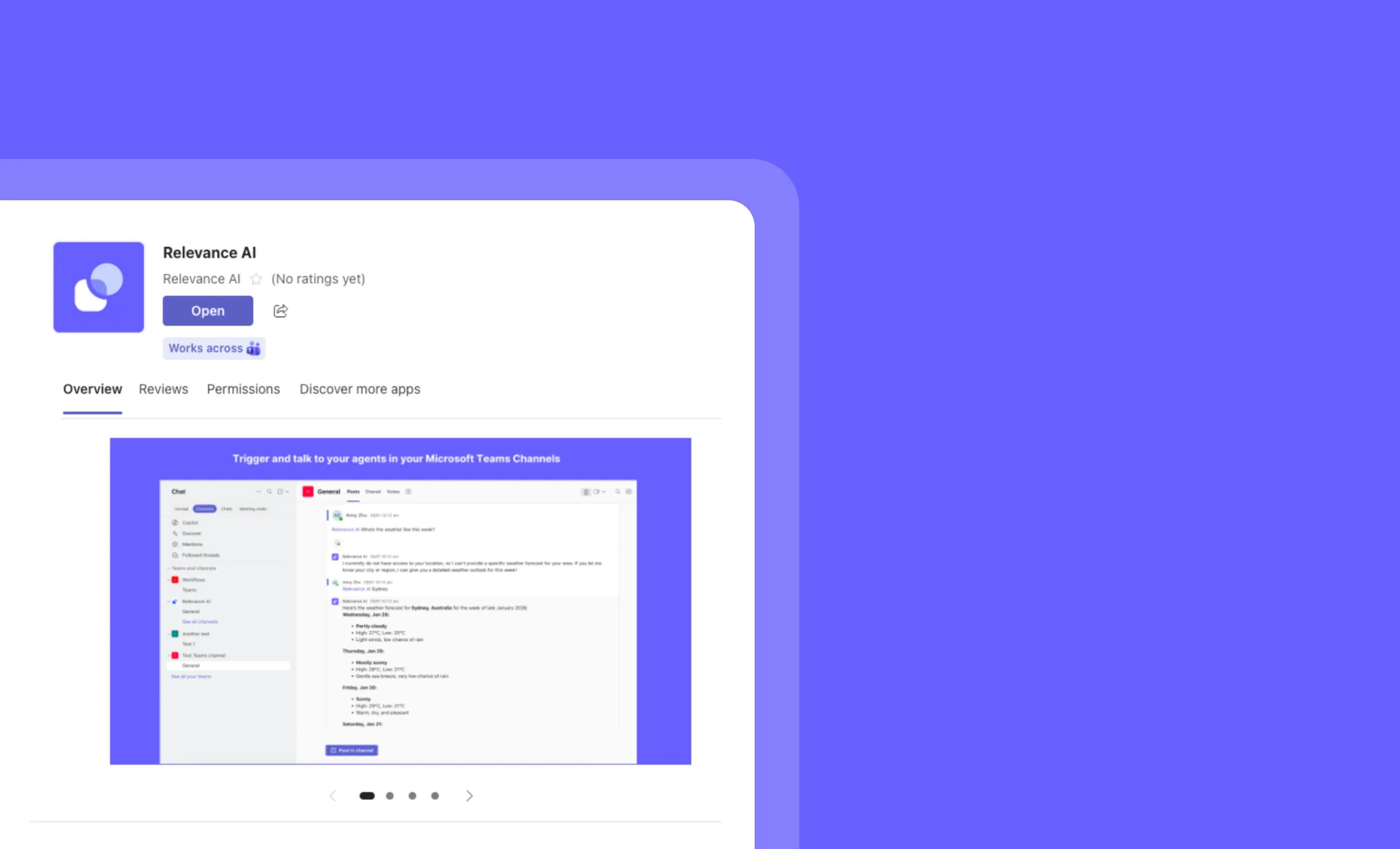
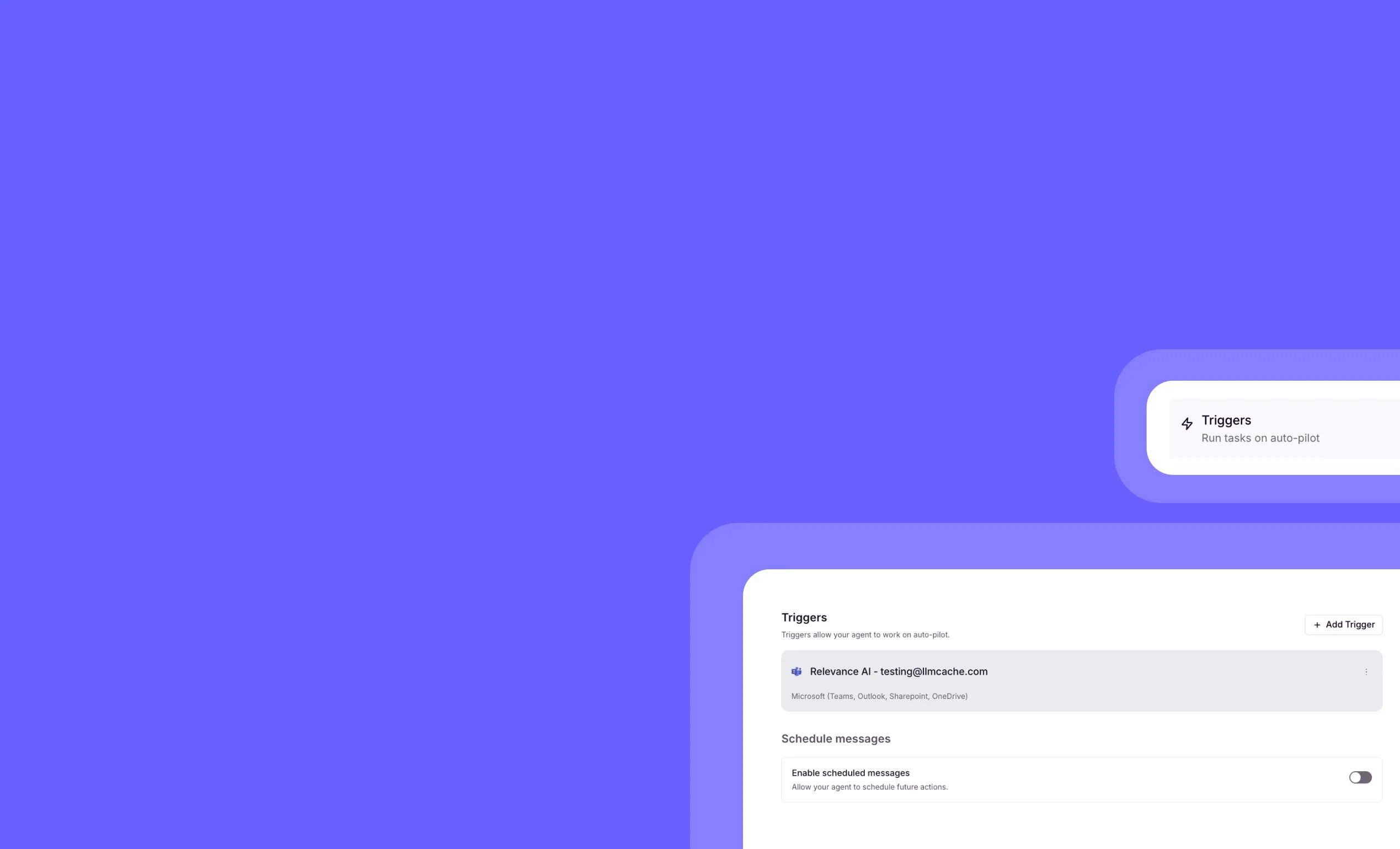
Microsoft Teams integration: Trigger AI agents directly from your Teams workspace
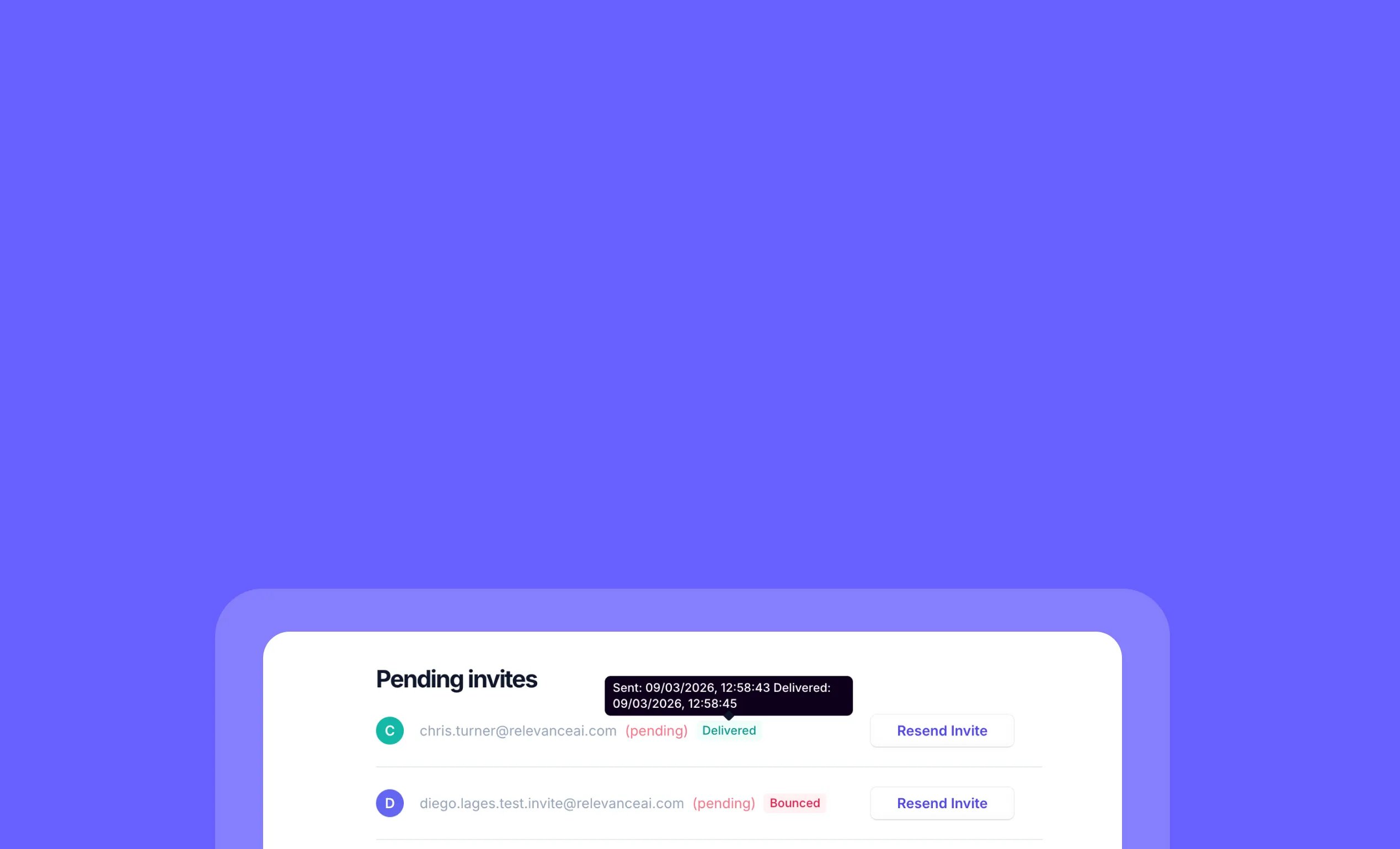
Track project invitation emails to ensure teammates receive invites
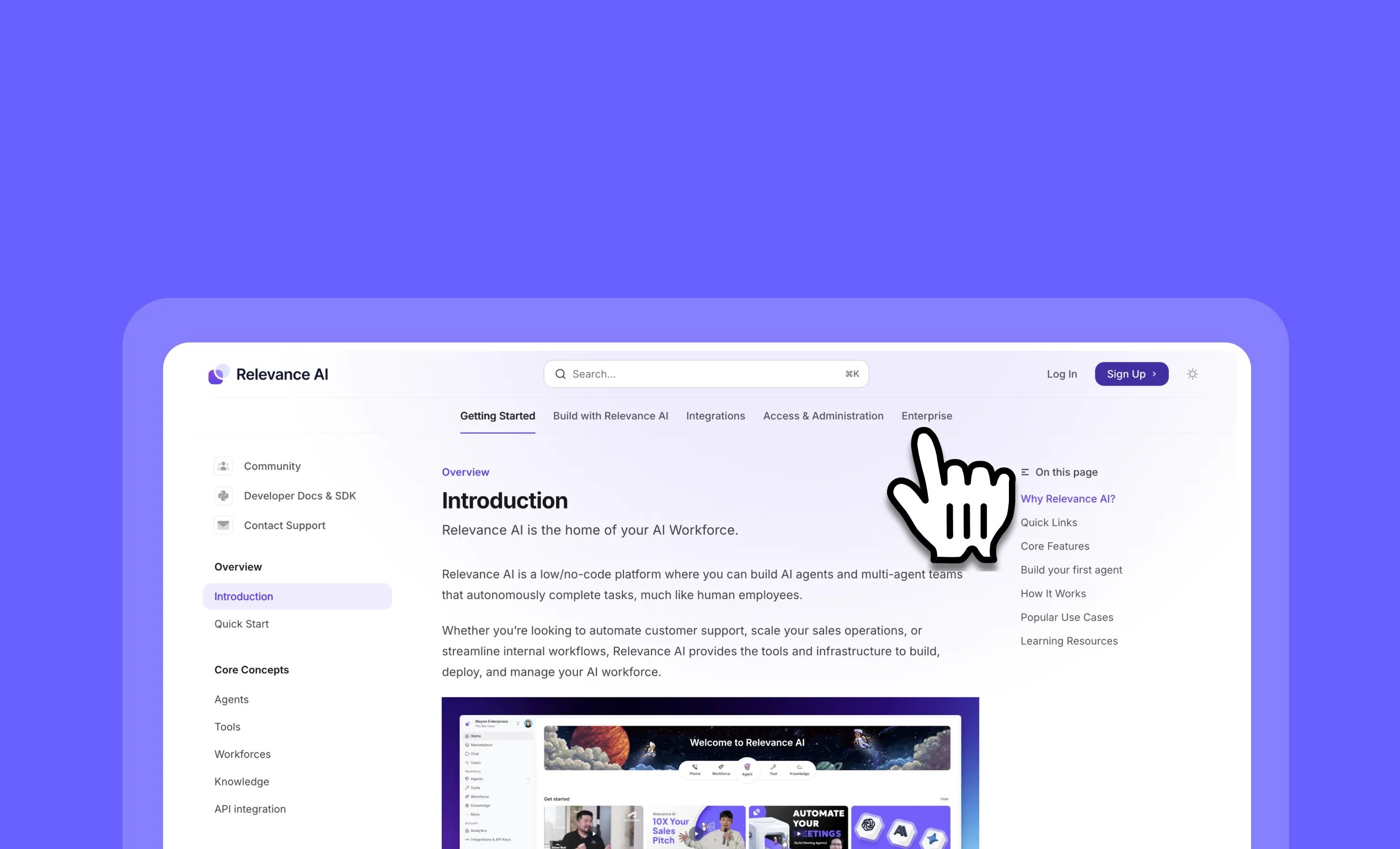
Find what you need faster in the new Relevance AI documentation
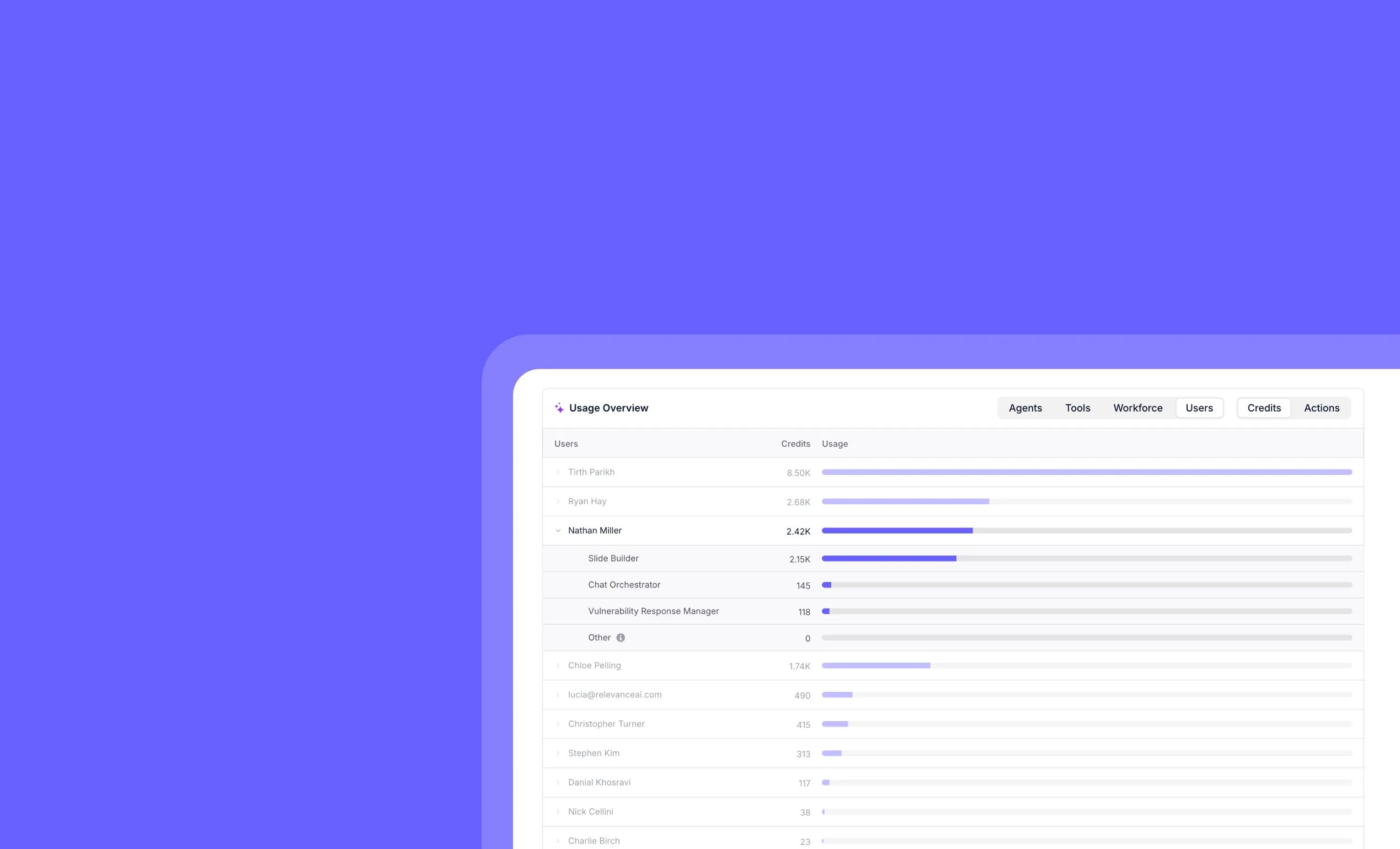
Track individual team member AI usage with detailed per-user analytics
Other improvements
General fixes and UI improvementsTrigger AI agents from Microsoft Teams calendar events
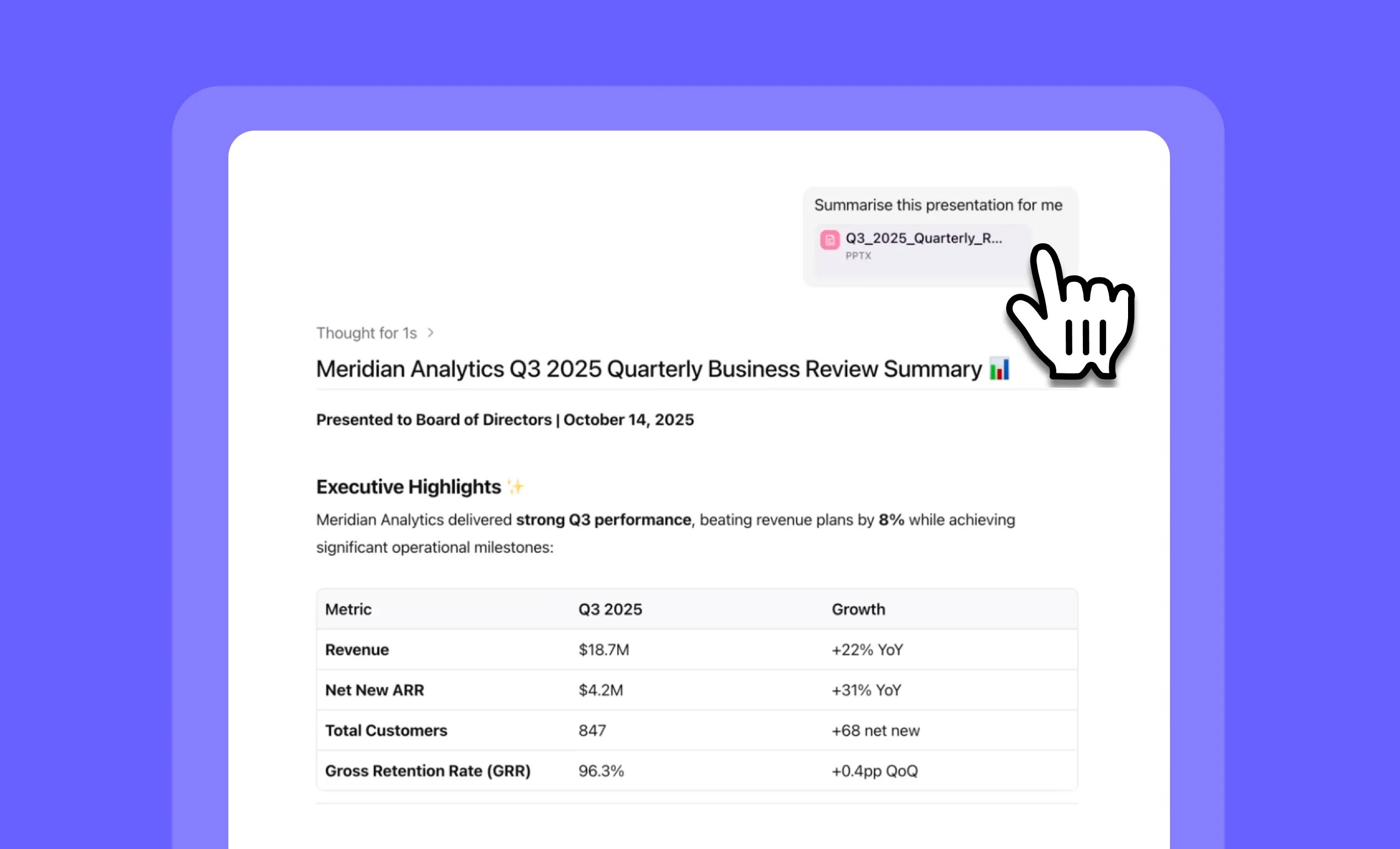
Analyze PowerPoint presentations instantly with PPTX file uploads in Chat
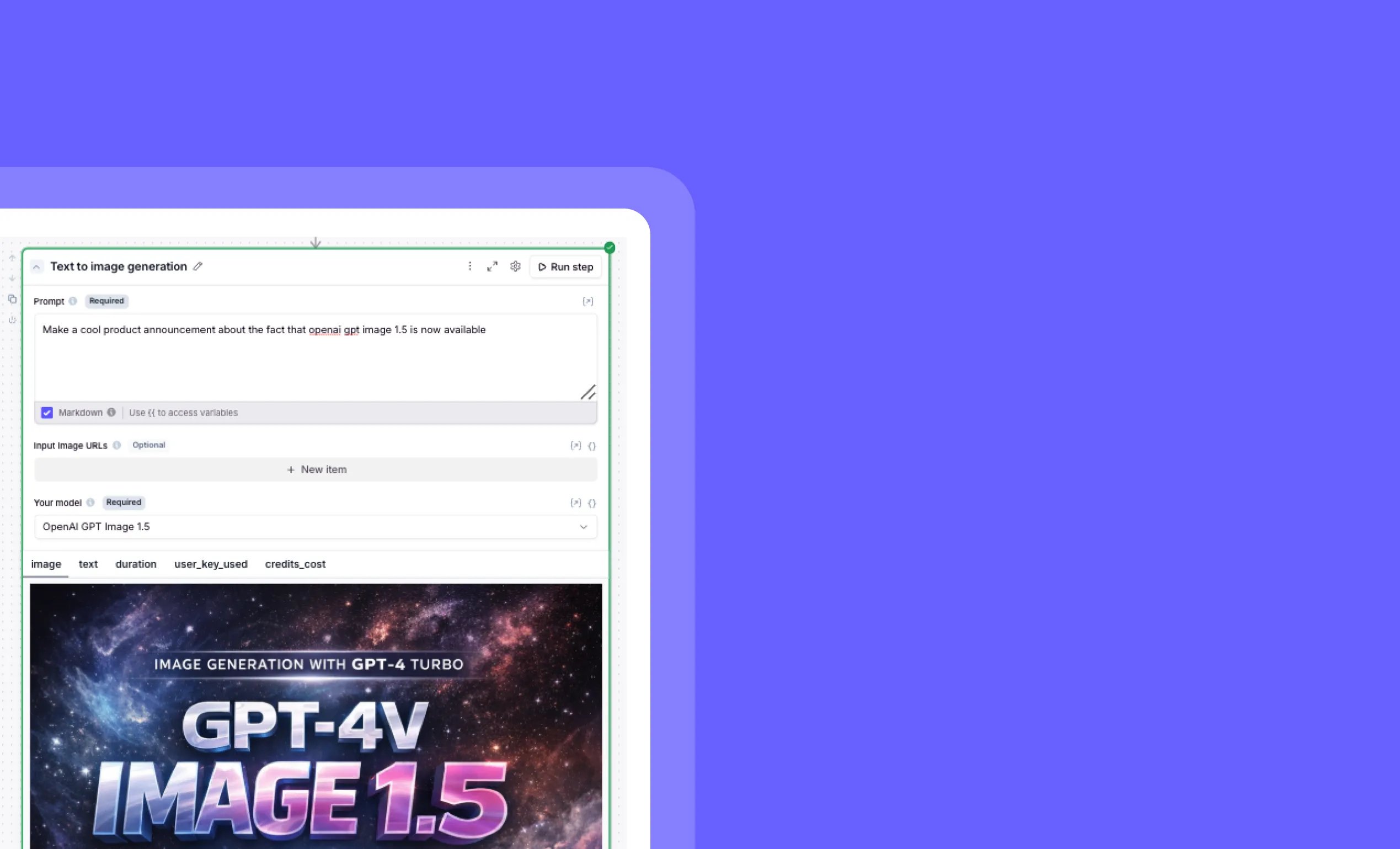
OpenAI GPT Image 1.5 model now available in Relevance AI
Other improvements
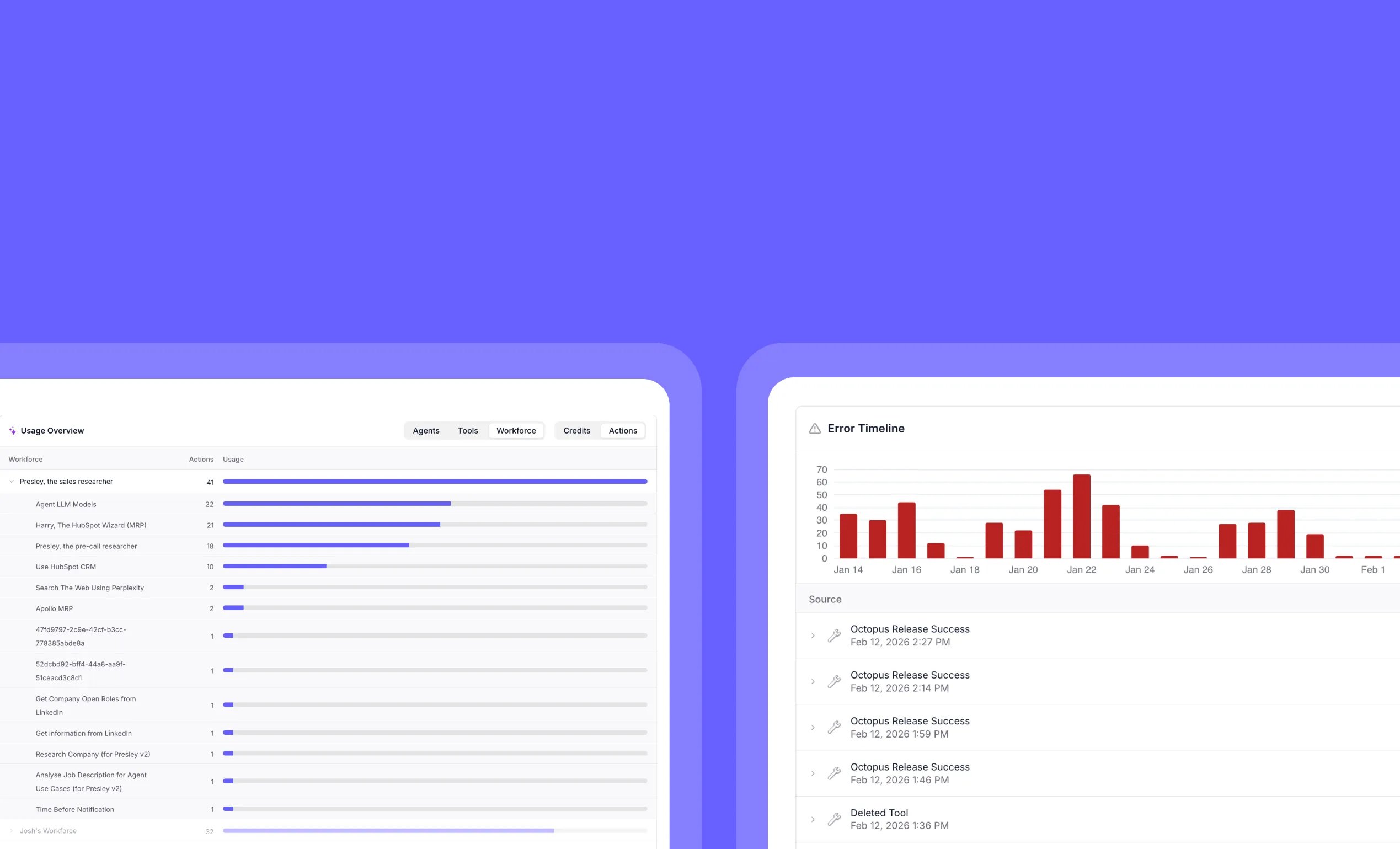
Clean up your workspace in seconds with our new bulk chat deletion feature – perfect for removing those numerous “Hi” test conversations and keeping your environment organized.Track AI agent usage and error trends with enterprise analytics dashboards
Other improvements
General fixes and UI improvementsClaude Opus 4.6 model now available in Relevance AI

Other improvements
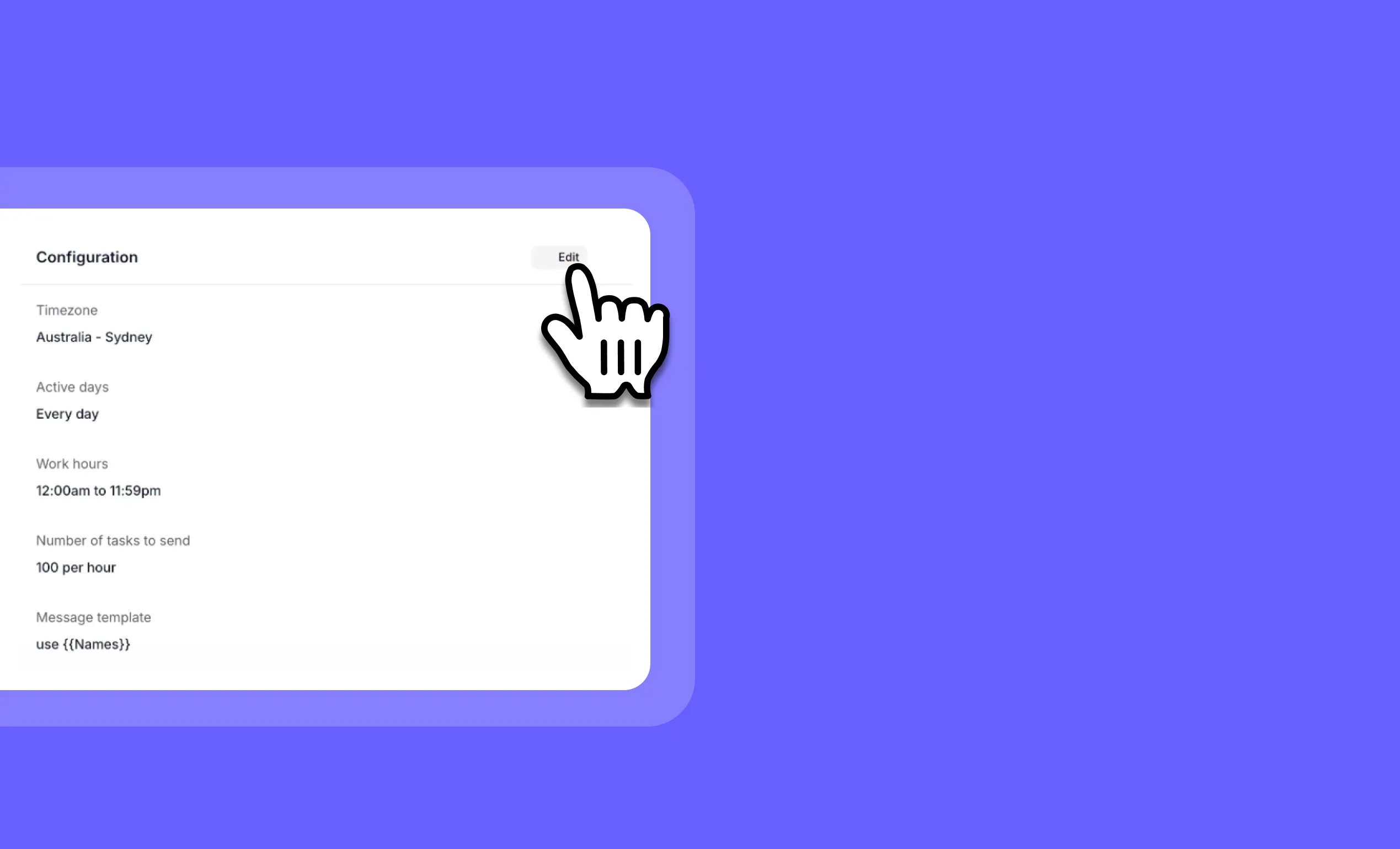
General fixes and UI improvementsEdit bulk runs on the fly: Change agent automation settings without restarting
Other improvements
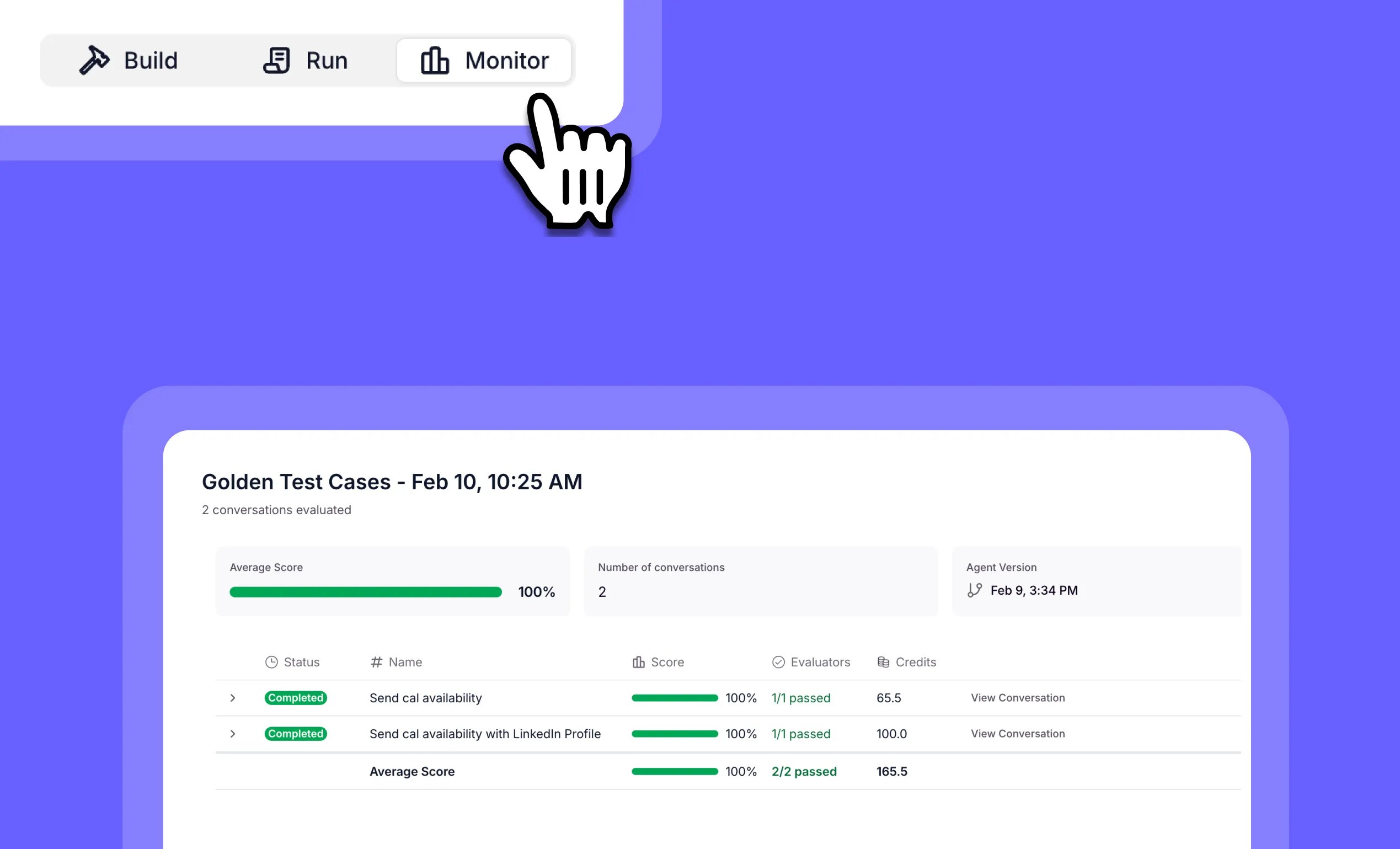
General fixes and UI improvementsTest and validate AI agents with Evals: Enterprise-grade agent testing
Other improvements
General fixes and UI improvementsAdd AWS Bedrock Guardrails to BYO Anthropic Models

Other improvements
General fixes and UI improvementsStream AI audit logs and execution traces with OpenTelemetry

Other improvements
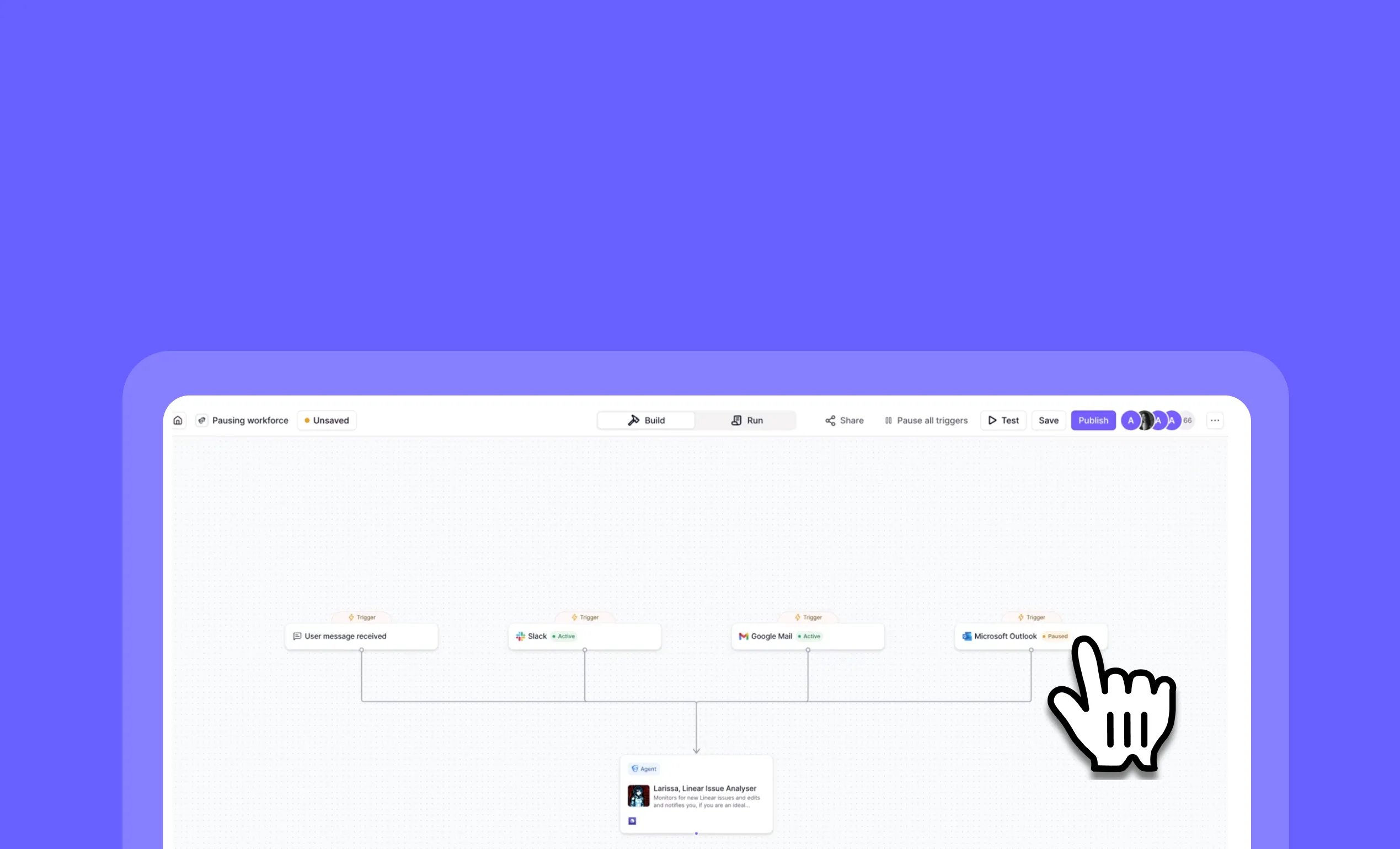
General fixes and UI improvementsPause, cancel, and resume Workforce triggers in real time
Other improvements
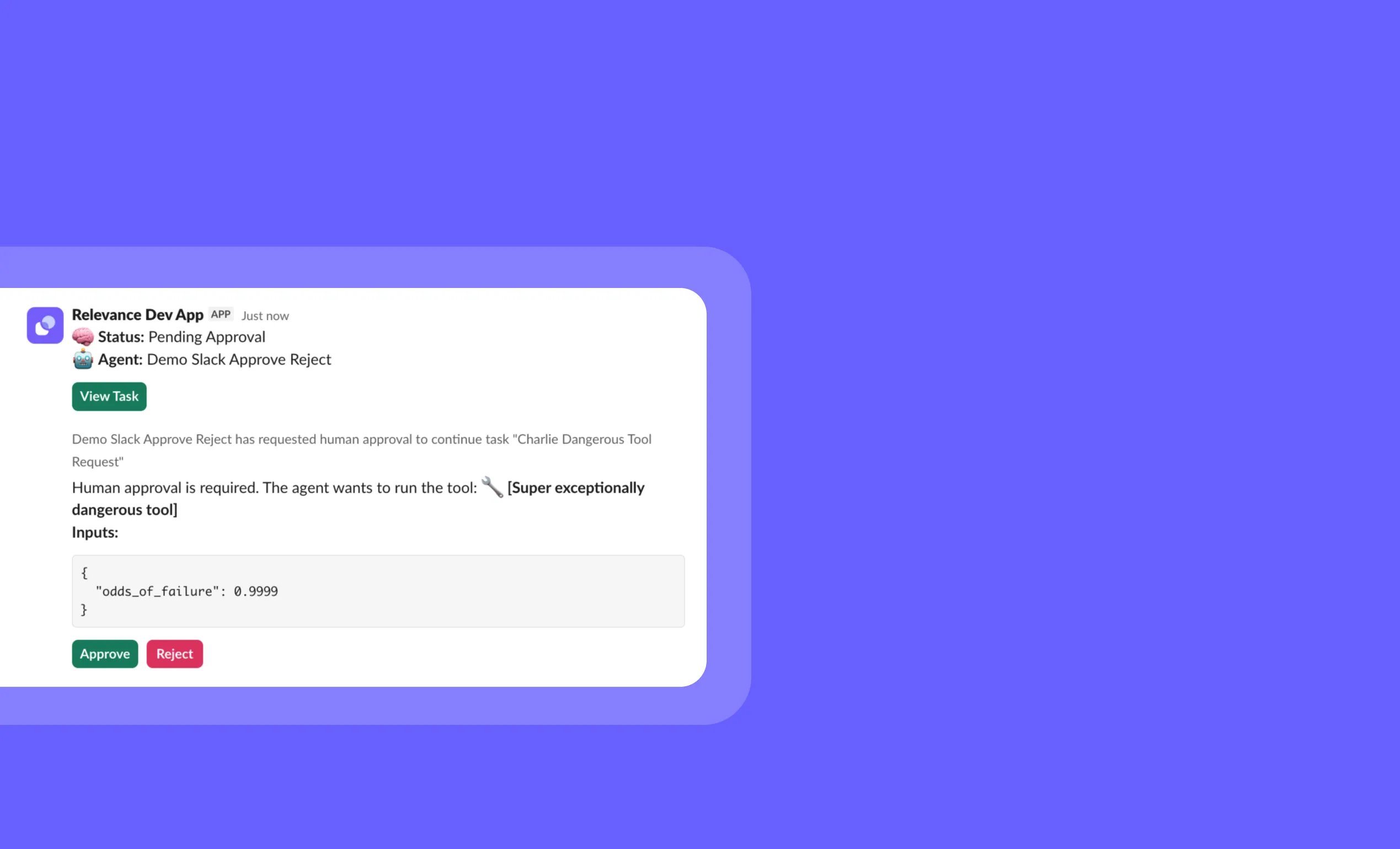
General fixes and UI improvementsSlack tool approvals: Approve or reject agent tools in one click
Other improvements
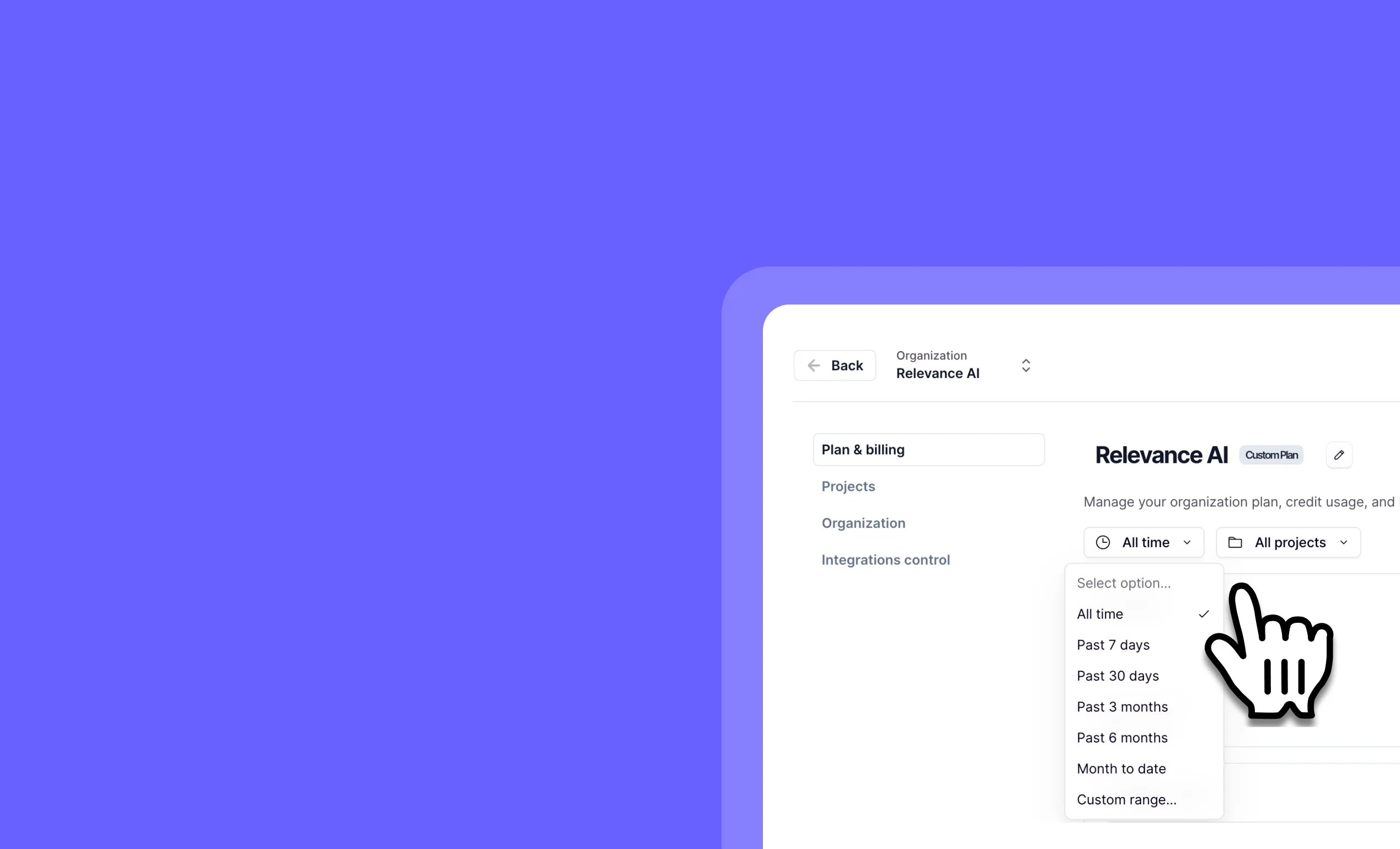
General fixes and UI improvementsTrack and compare organizational spend by project and date
Other improvements
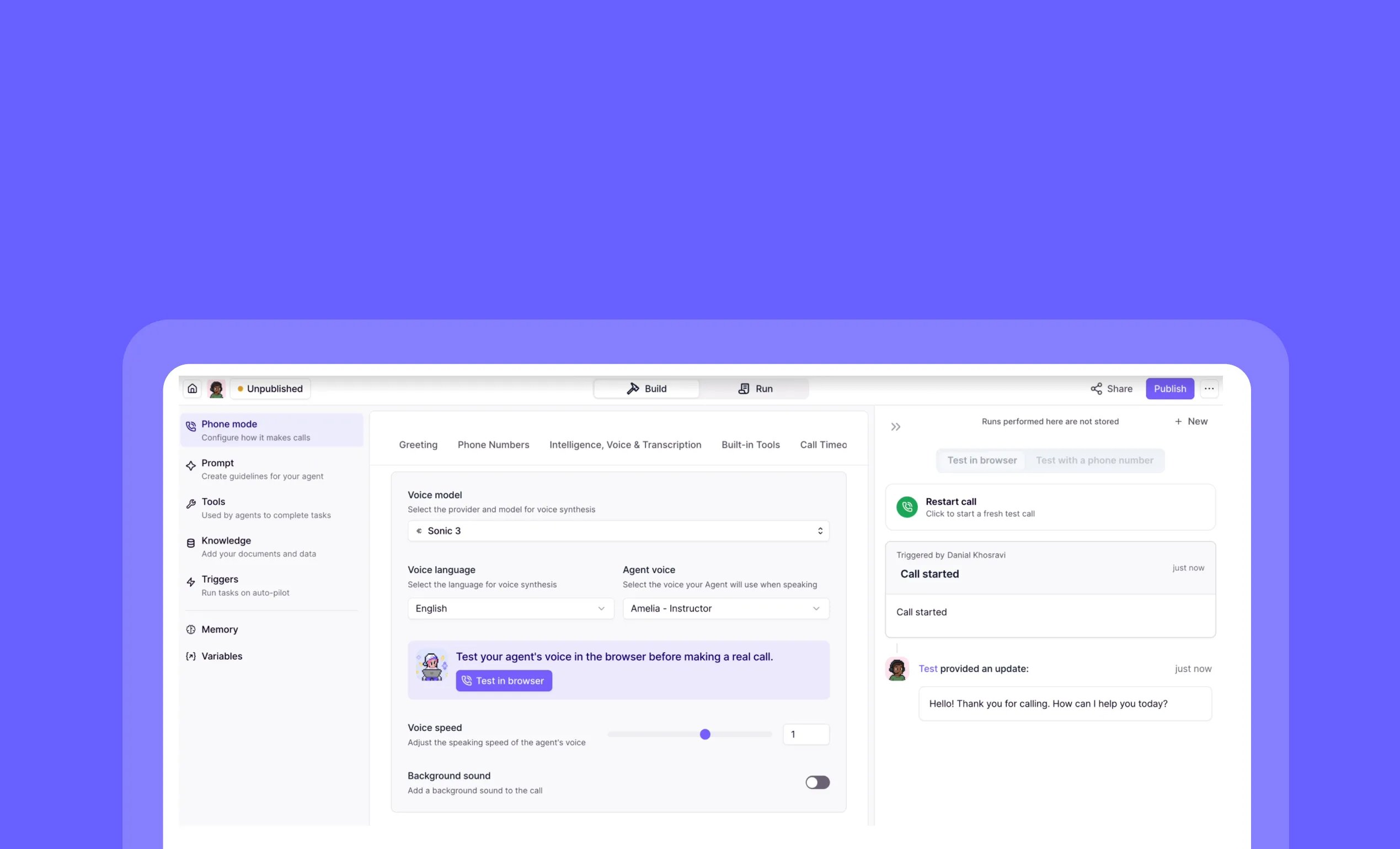
General fixes and UI improvementsTest phone agents in your browser — No live calls required
Other improvements
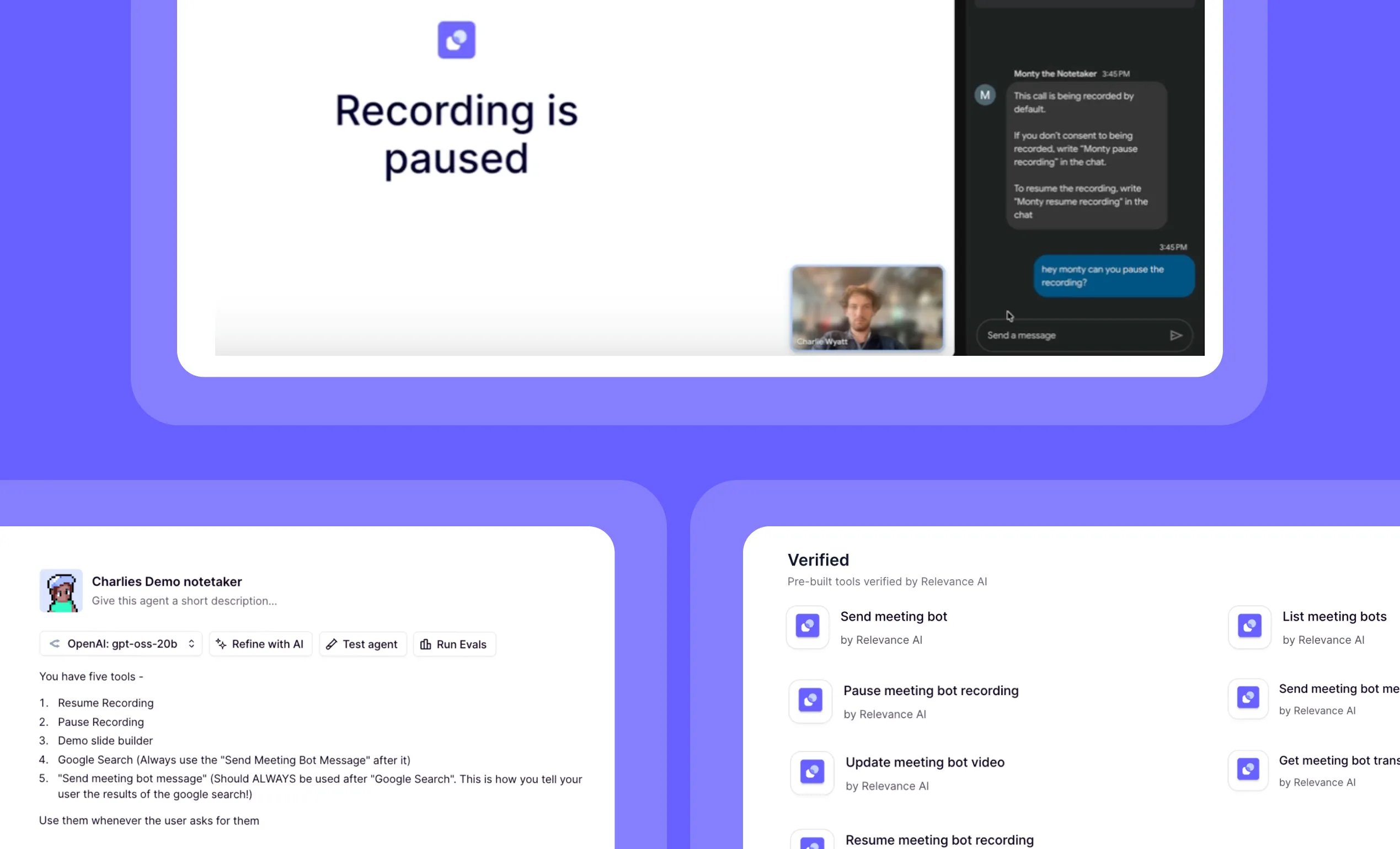
General fixes and UI improvementsControl your meeting agent in real time with chat commands
Other improvements
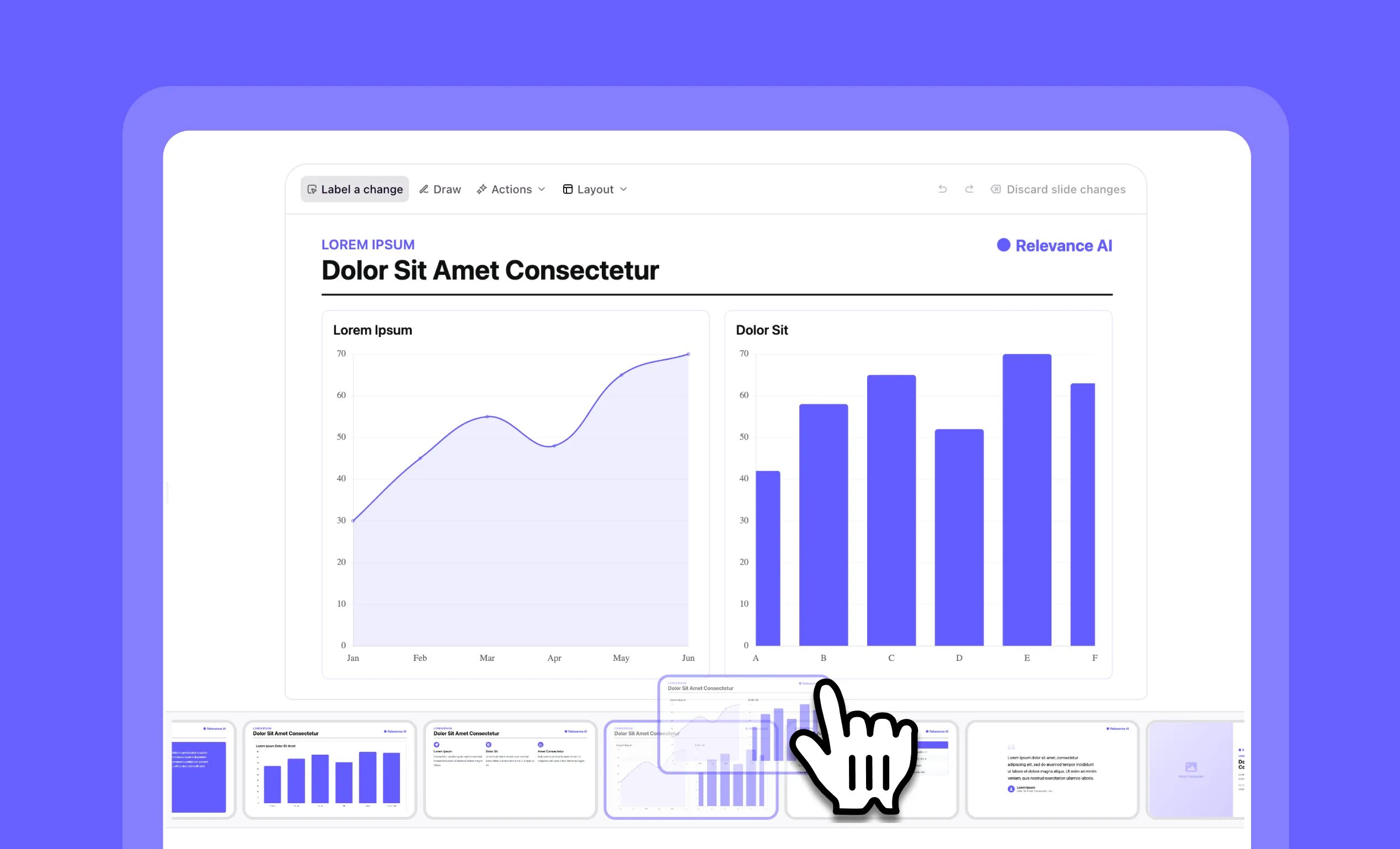
General fixes and UI improvementsDrag-and-drop slide reordering now available in Slide Builder
Other improvements
General fixes and UI improvementsEarlier changes
2025
107 updates
2024
17 updates
2023
8 updates